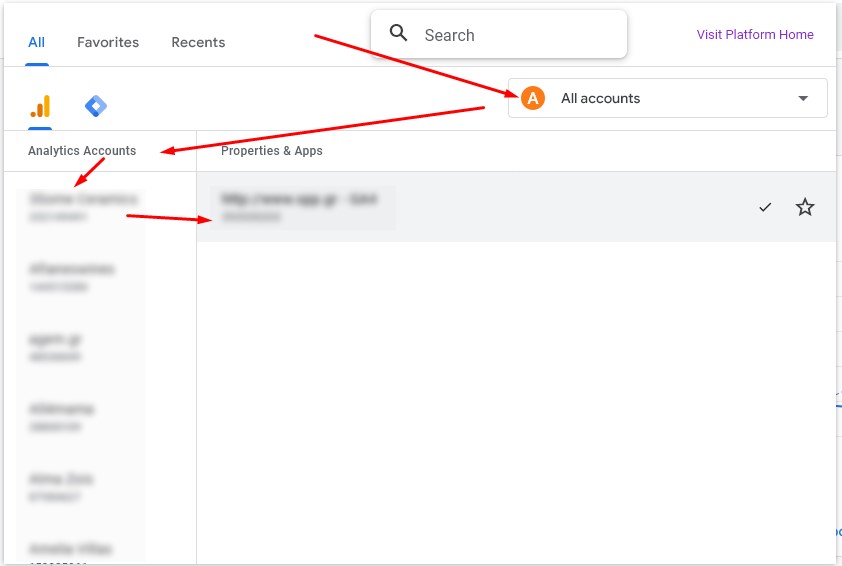
Hierarchy: Organisations > Analytics Accounts > Properties
- If client has their own Analytics account
- If the Property exists then request to add us as Administrators
- If the Property doesn't exist then request to create the Property and add us as Administrators
- Otherwise, use our Analytics account
- No need for unnecessary Organisations
- Use All accounts (refers to Organisations drop down)
- If client has only one website then (***)
- Choose a Nevma Analytics account
- Add the Property there
- Add the client as Administrator in the Property
*** There might be exceptions depending on whether the Property needs to be shared with users other than the users of the Nevma Analytics account.