Sunday, 01 December 2024
CloudLinux PHP version selector, modules and resource limits
cPanel Admin (multiple users)
In multi cPanel Admin servers (cPanel with multiple users) you can set the PHP version, the enabled modules and the resource limits under Select PHP Version (by CloudLinux) for each user. These PHP versions come from CloudLinux (alt-phpXX).

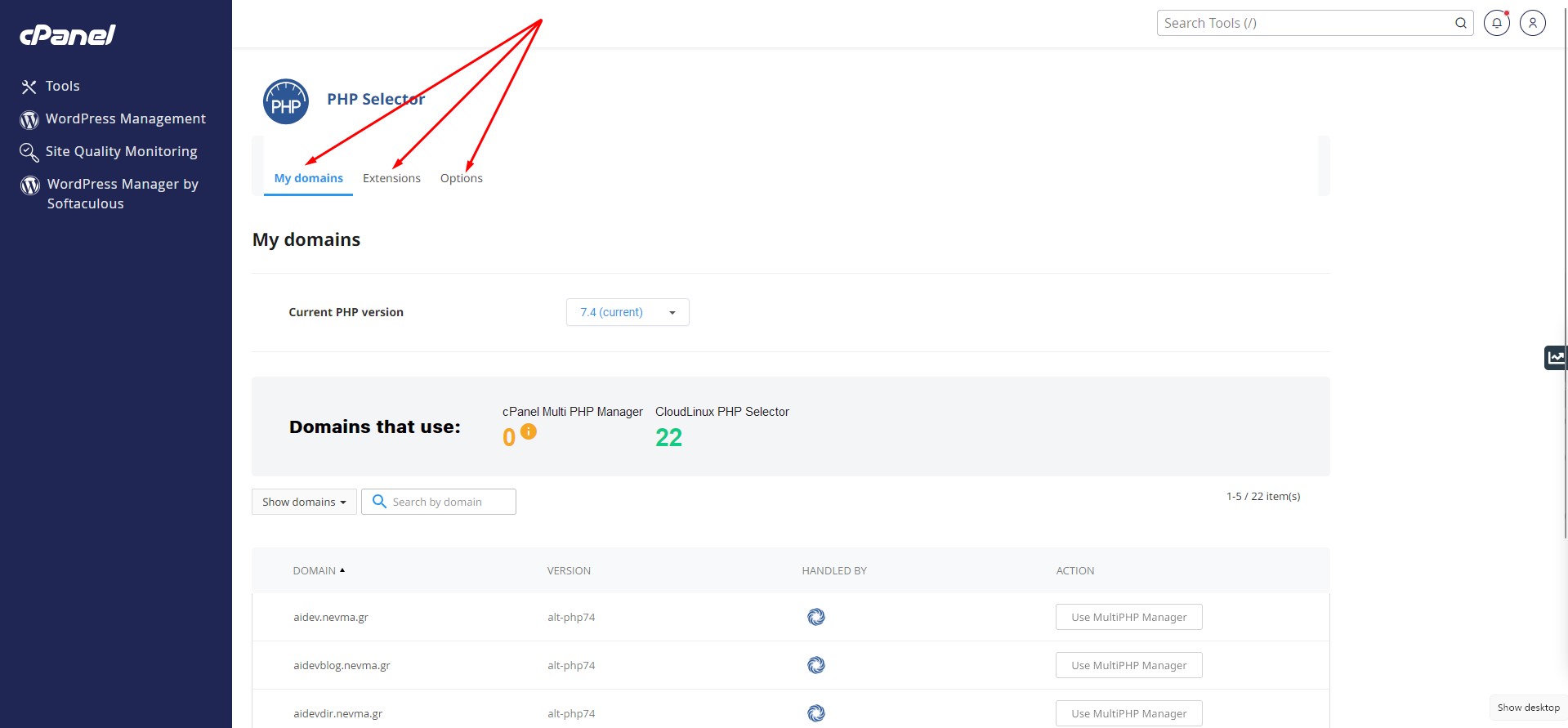
You can switch from Select PHP Version to MultiPHP Manager in cPanel Admin setups by changing the default PHP version in the Multi PHP Manager user interface. That will be reflected also in the Select PHP Version user interface. Then you can use the MultiPHP INI Editor, too.
To set another PHP version for a specific folder use this:
<IfModule mime_module>
    AddType application/x-httpd-ea-php83 .php .php8 .phtml
</IfModule>
In this setup you can only tweak a few PHP in options from the Options tab. If you want to set a full custom PHP ini file, you create the file /etc/cl.php.d/alt-php83/custom.ini (depending on the PHP version you have chosen). You need to access this file logged in as the user themselves to do this properly, because each user sees their own (via CageFS) version of the /etc folder.
cPanel Solo (single user)
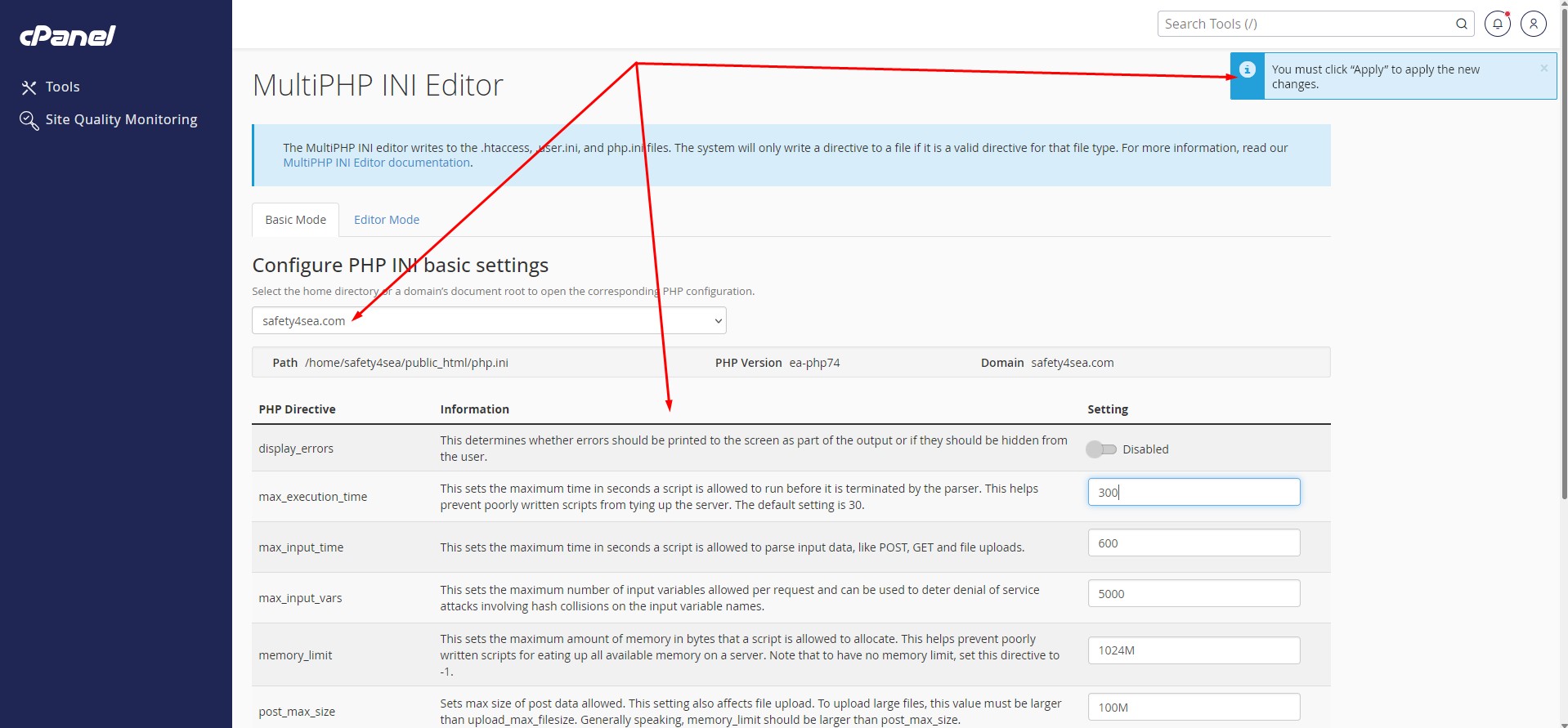
In cPanel Solo (cPanel with a single user) you can do the same under MultiPHP Manager (by cPanel) and MultiPHP INI Editor for the single user. This will add the same settings in .htaccess, user.ini and php.ini. These PHP versions come from cPanel itself (ea-phpXX).


WHM global settings
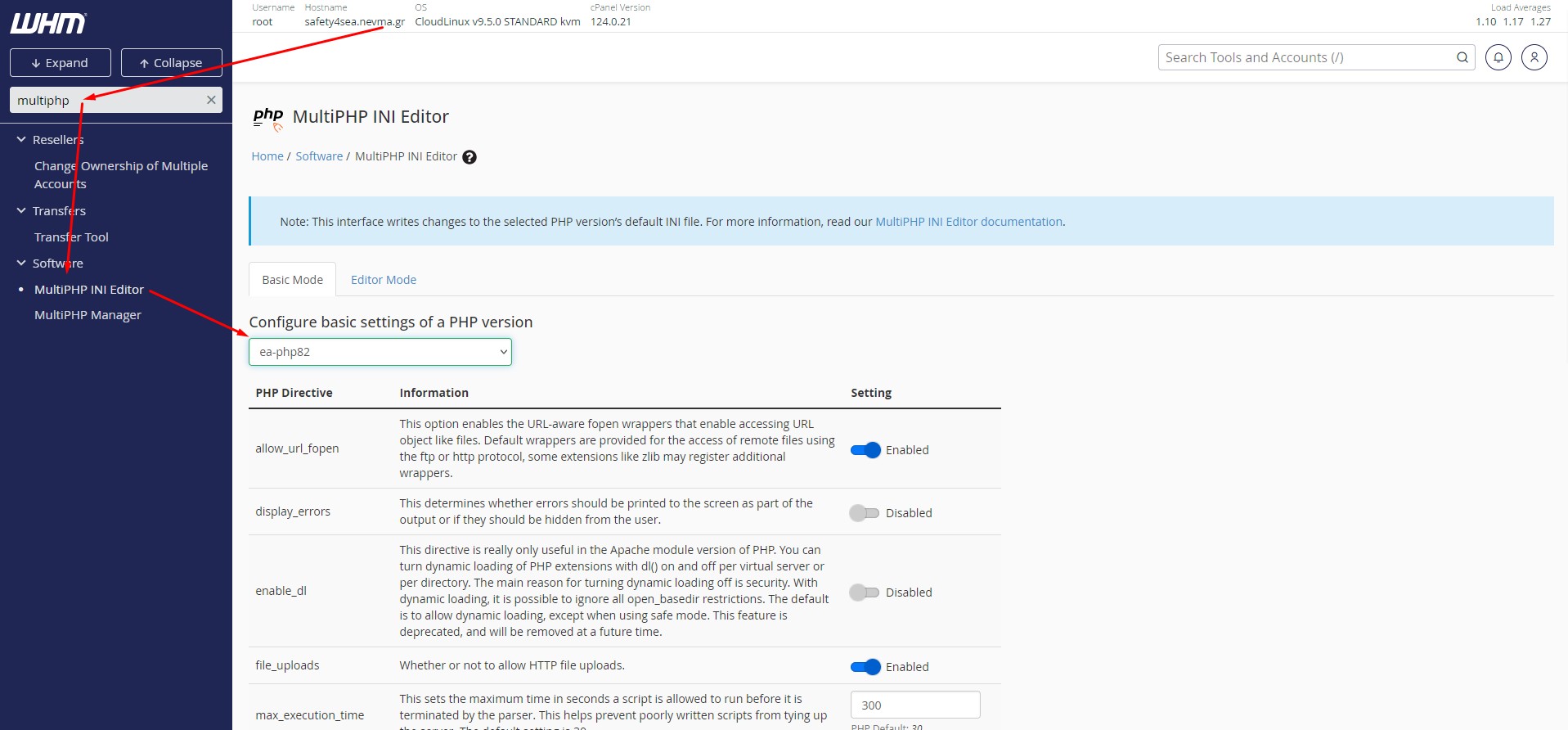
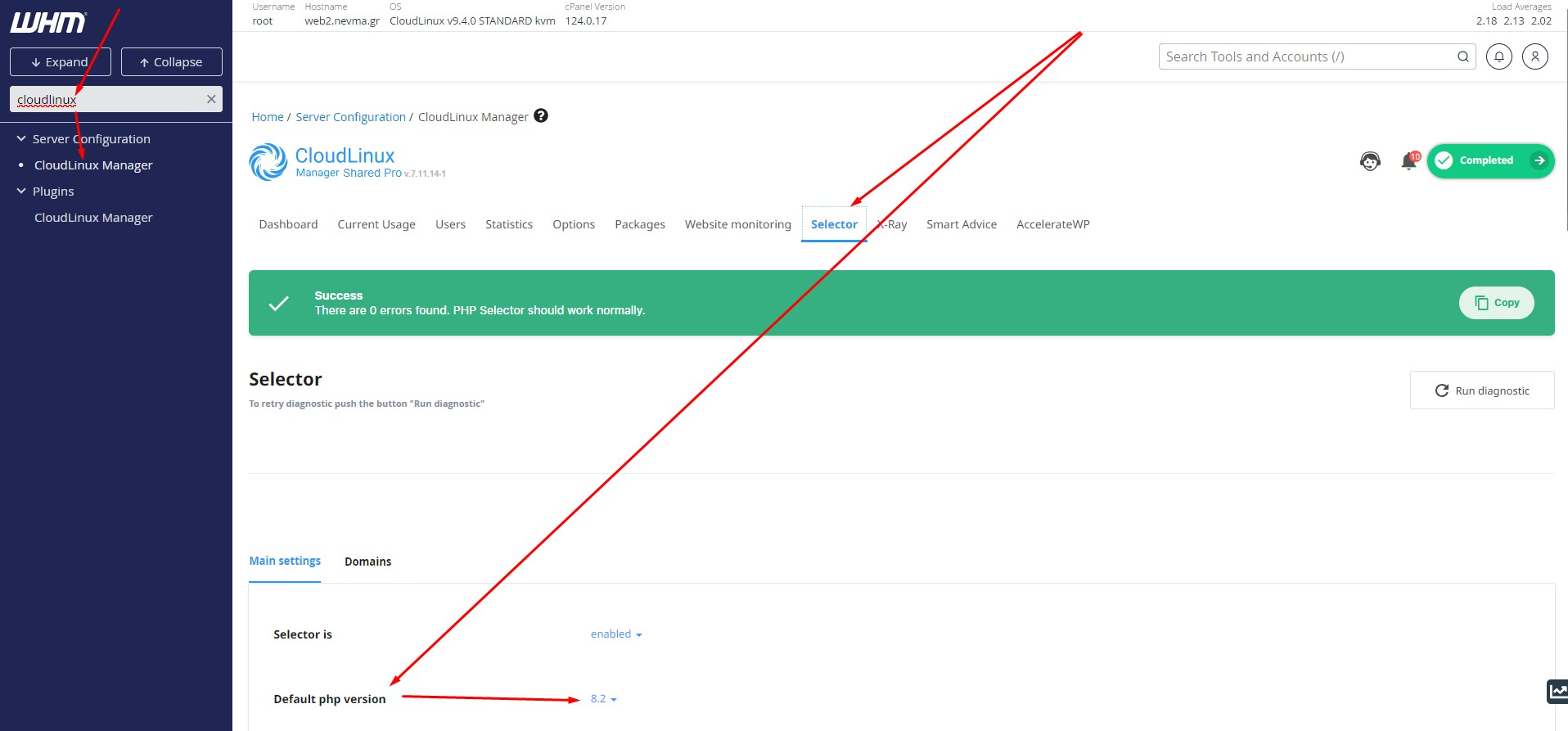
One can manage the available global PHP versions, the default PHP version and their available PHP modules in WHM under the CloudLinux > Selector area.
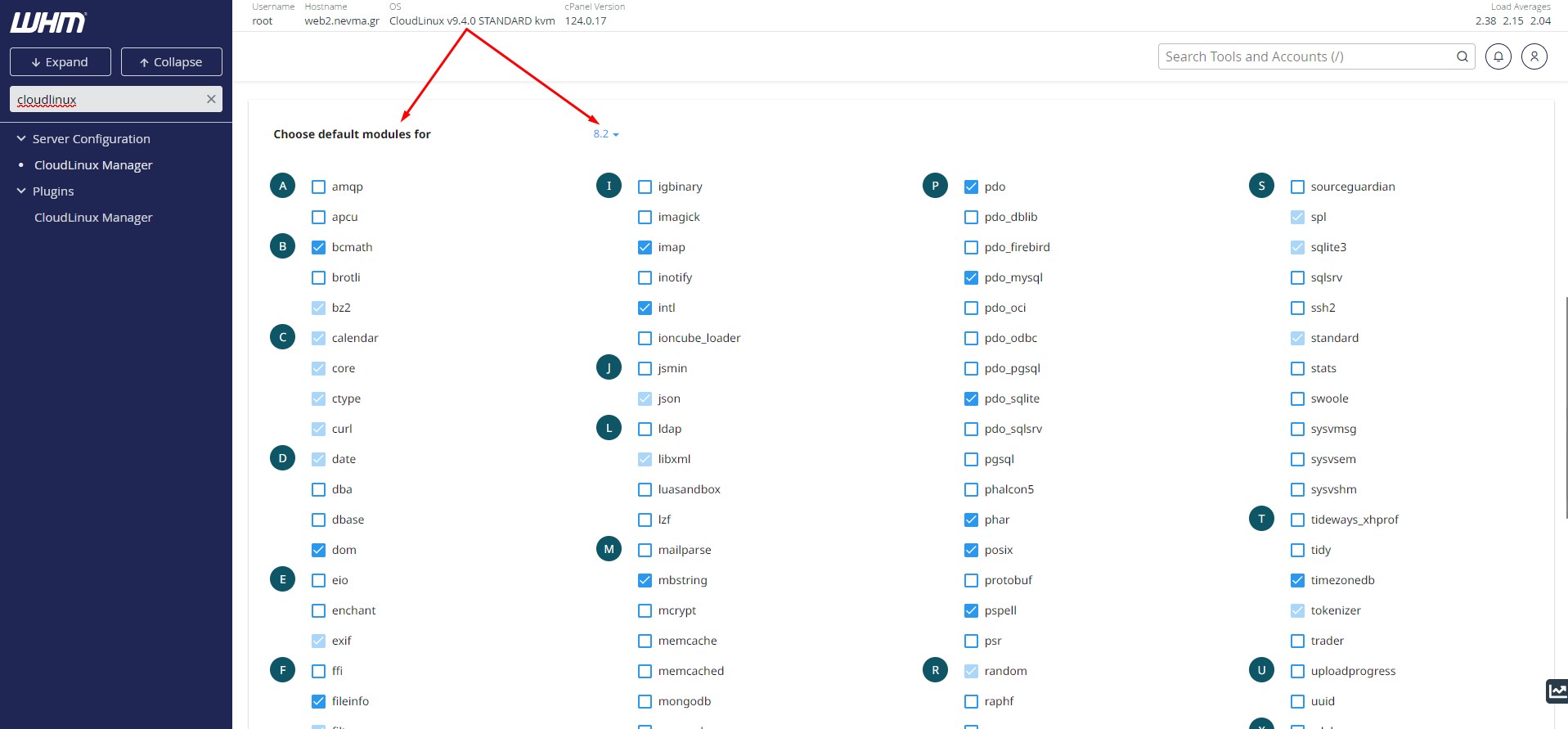
And respectively under MultiPHP INI Editor and MultiPHP Manager.