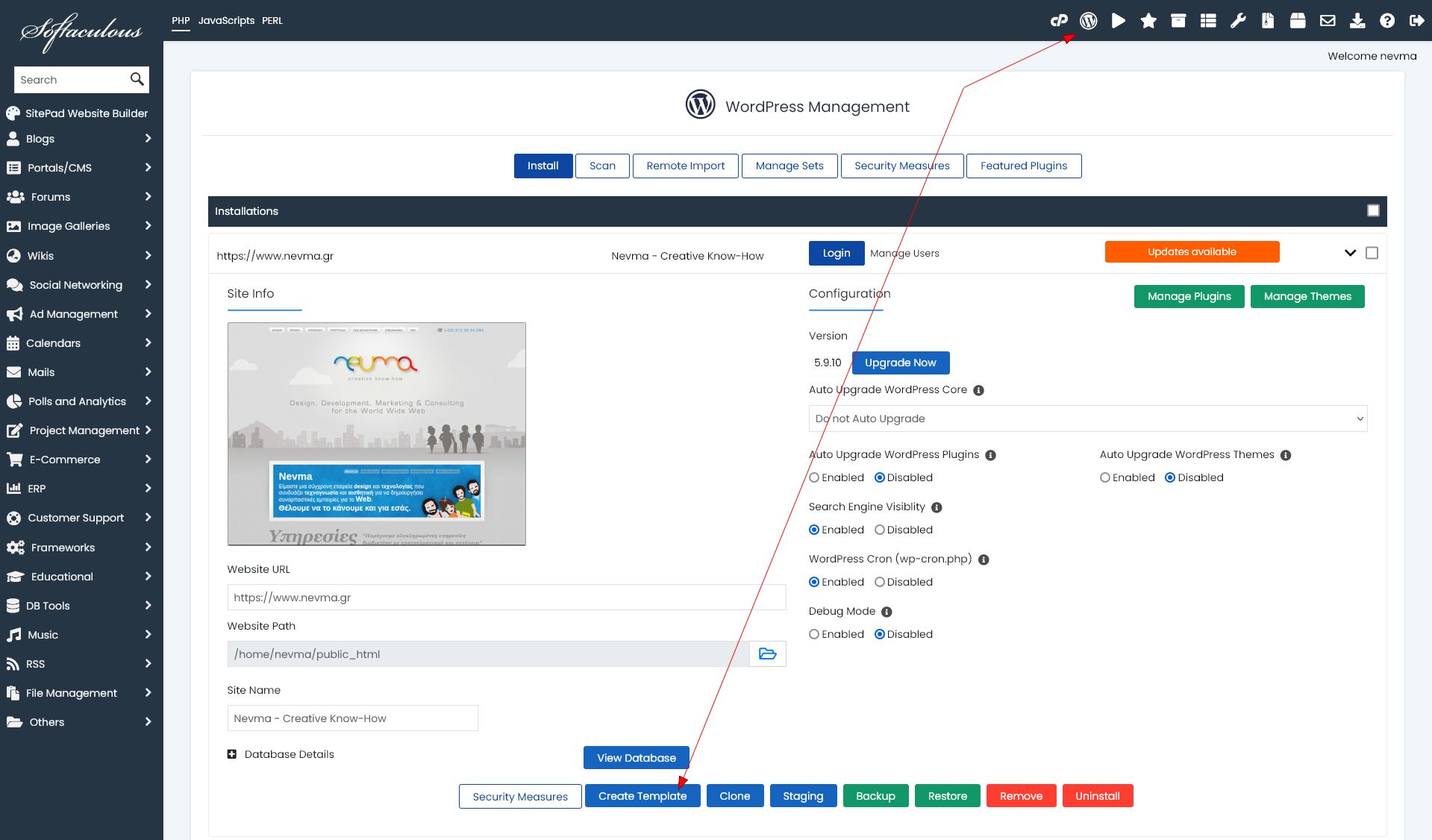
In Softaculous you can create a template from an existing WordPress installation to use it to restore that installation (clone it) in the same cPanel user or a different one. This template is an archive of the files of the installation and its database.
The process in the same cPanel user is very straightforward:
- Create the template
- List the templates
- Restore the template
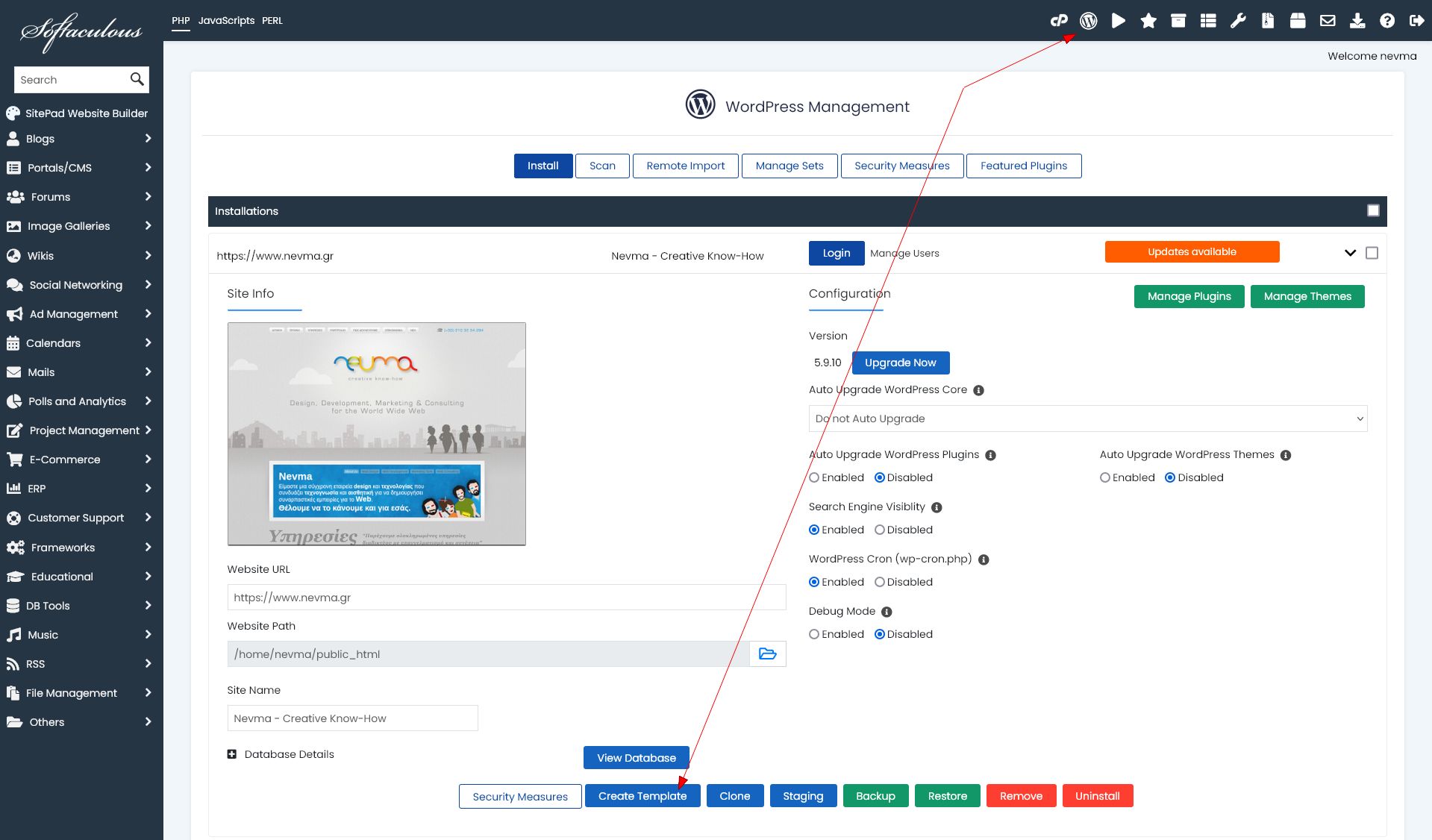
If you want to use the template to restore it to another cPanel user:
- Create the template from an existing WordPress installation
- It is saved in /home/user/softaculous_templates by default
- Copy it in a temp folder
- Decompress it there
- Find the config file (it will have the name of the template)
- The config file is a PHP serialised object, use a tool like Serialized PHP Editor to edit it correctly
- Change the path variable in it to the correct path of the destination cPanel user
- Compress the files in the temp folder (but not the folder itself)
- Make sure the new compressed template file it has the original filename
- Copy it to the Softaculous templates folder of the other cPanel user
- Make sure you change the ownership of the copied file to that user
- Go to Softaculous templates of that user to find it there
- Restore it